 ASM Lab
What's new
Every new feature in ASM Lab, with what it does.
Ask the ASM Assistant
Tell it what to draw, ask about your ventilation, run a fire. It works with your model through ASM Lab’s own solver.
Read →Project files are encrypted
Every .asmlab file is encrypted when it is saved. Add a password and only people who know it can open it.
Read →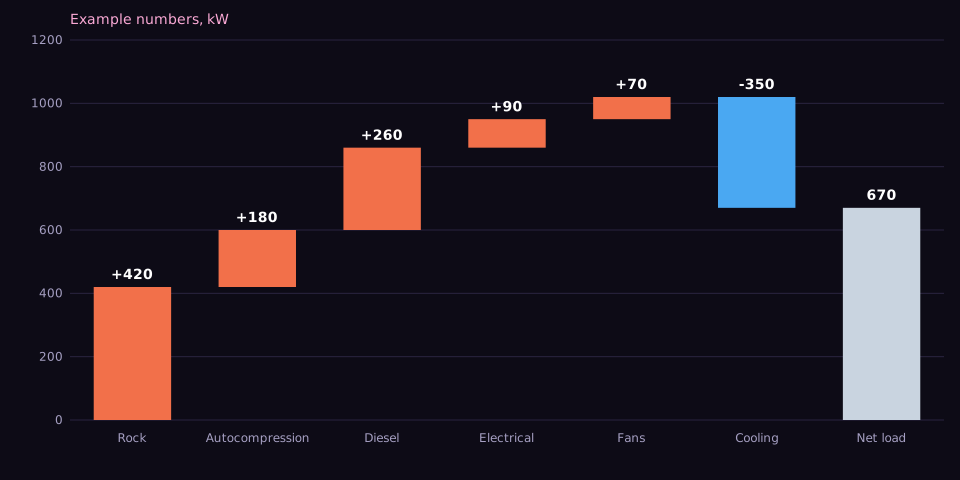
See where the heat load lands
A new chart steps through every heat source and all the cooling, ending at the net load left in the air.
Read →Solve a whole tunnel network in 3D, not one tunnel at a time
Tunnels now join at junctions into one mesh, so air can enter one tunnel and leave through the others.
Read →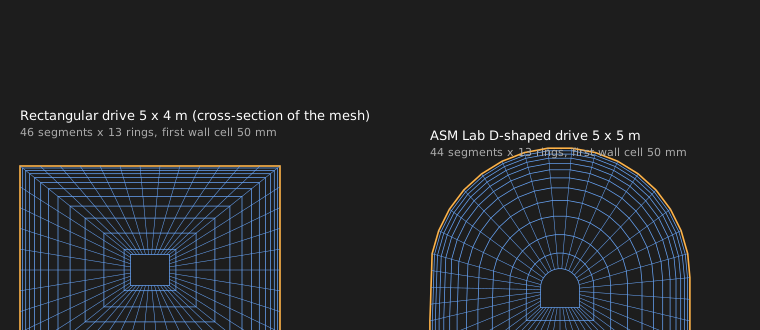
A mesh that follows the tunnel as it really is
No voxel steps: the section is swept along the path, with thin cells against the wall.
Read →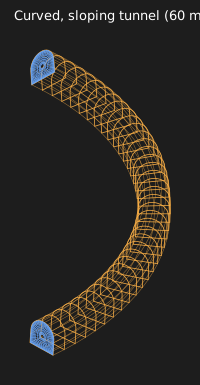
Bends, slopes and tapers
The same mesh follows a 90 degree bend that also falls, or a tunnel that widens along its length.
Read →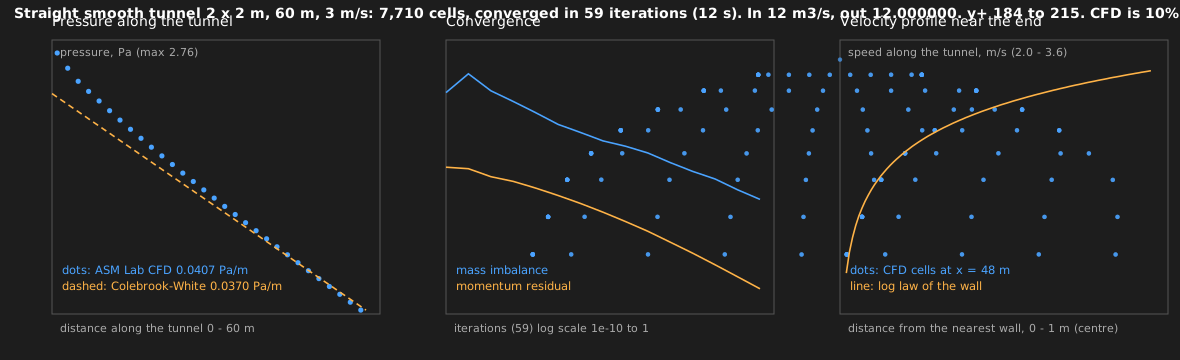
Checked against a textbook case
A straight tunnel is solved and compared with the Colebrook-White friction formula.
Read →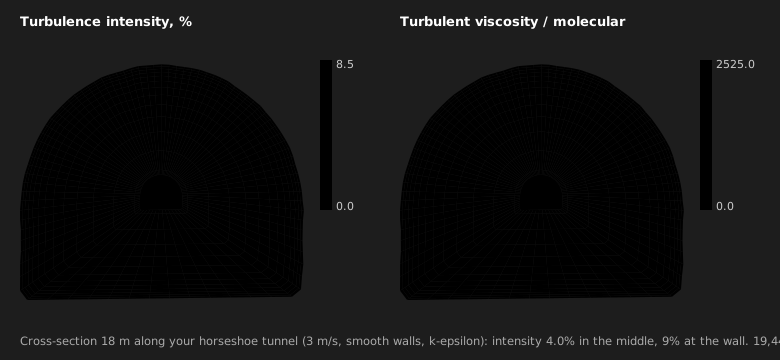
Watch the air move
Streamlines, cross-sections, wall values and arrows that travel along the flow, with speed and size controls.
Read →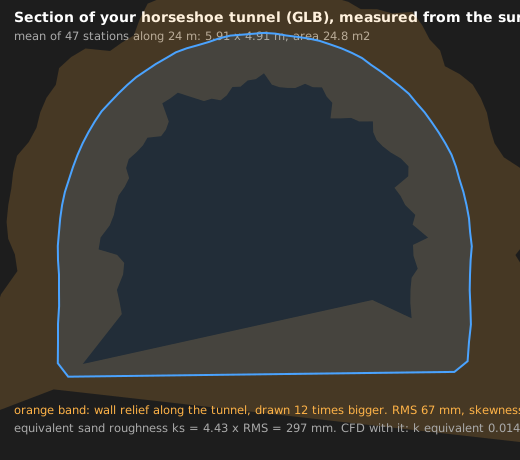
Use a tunnel from a GLB model
Load a tunnel model, and the solver reads its own section and draws the flow on its surface.
Read →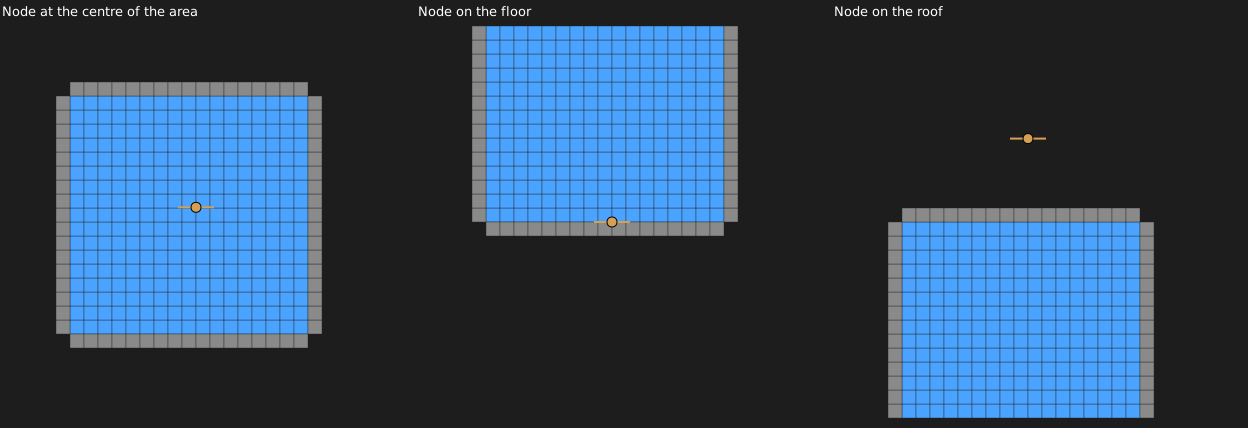
Say where the node sits on the section
Centre of area, floor or roof: kept for each tunnel and used by ducts, fans, exports and scripts.
Read →Script your mine in JavaScript
A Script panel with templates, nodes, airways, fans, heat, boundaries and a solve you can await.
Read →Collections and links
Keep parts of a mine apart, and link them where they meet. Moving a node moves its partner.
Read →More equipment, with 3D models
Pick equipment from the Library; Place closes it and shows you where to click.
Read →Heat and humidity along the route
The coupled solve caps heat per kilogram of air, and the water follows the cap.
Read →See where the air and the heat go
Air-use and heat-load doughnuts, the busiest and hottest airways, and the spread of velocities.
Read →Find overlapping tunnels and unmerged nodes
Crossing or overlapping tunnels are flagged, and unmerged nodes are listed with a Merge button.
Read →Double-click to open, and a clean New
Save as an ASM Lab file and double-click it to open. New now starts truly empty.
Read →